What's new

RSS
  1. Make a photo book with your AI assistant
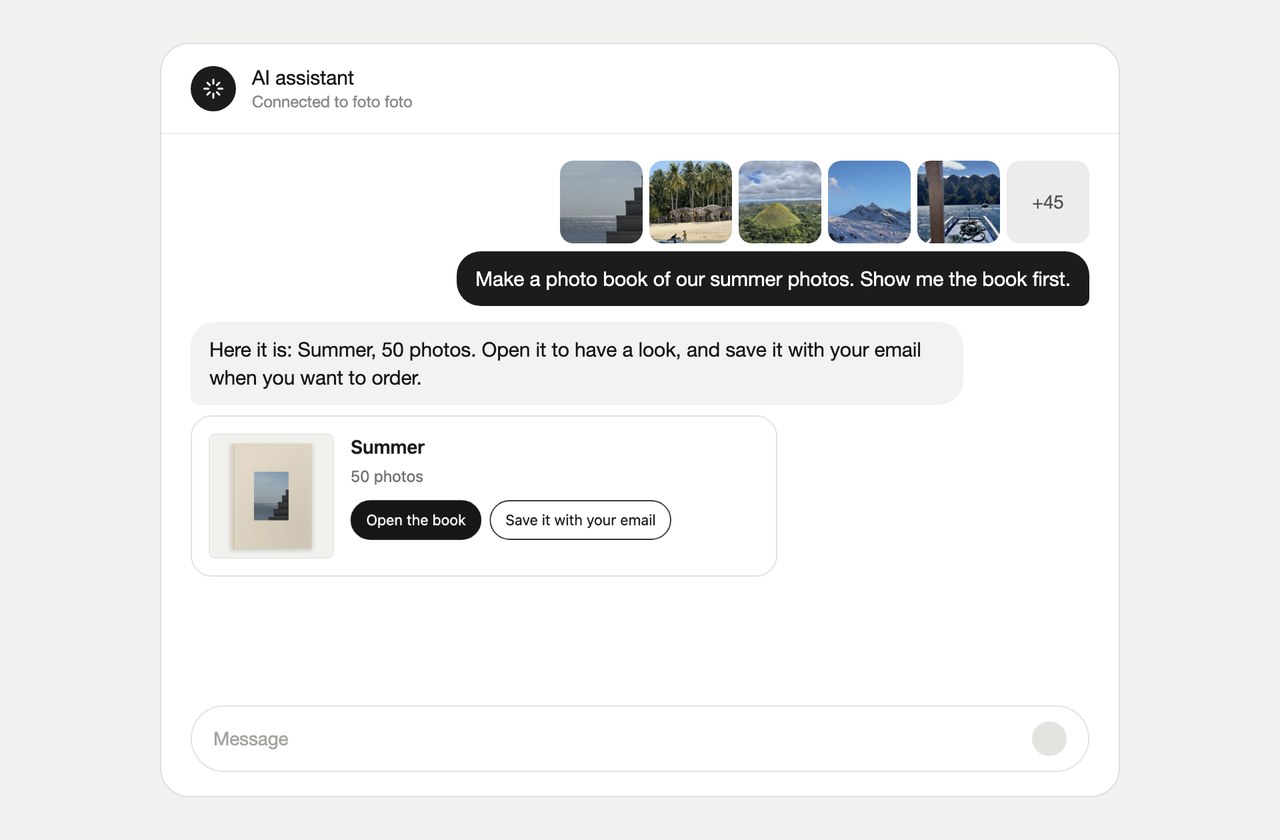
    A chat with an AI assistant: the photos go in and the finished book comes back, ready to open or to save with your email.

    You can now ask your AI assistant to make a photo book for you. Add foto foto as a connection, give it your photos, and you get a link to your book.

    Making and previewing a book is free, and you don't need an account to start. Save the book with your email to edit and order it.

    How to connect your assistant

    From an iCloud shared album

    Give your assistant the link to a public iCloud shared album and it makes the book from those photos, up to 100 of them.

    Improvements
    • EditorRotating a photo now turns smoothly, without a bounce at the end.
    • ExploreBooks on Explore open faster from the homepage.
  2. Rotate a photo

    You can now rotate a photo in the editor. Select it and choose Rotate, next to Remove. Each time it turns a quarter.

    Handy for scans that come in sideways. Your original file stays untouched, so the print quality stays the same.

    Pick a cover design

    Right after your book is made, you now pick its cover design. We already selected one for you, so you can also just continue.

    Fixes
    • UploadFixed big photo selections on iPhone getting lost after you picked them.
    • SharingFixed shared links showing a different cover crop than your book.
    • CoverFixed the cover colour you picked resetting when you switched design.
    • ExploreFixed the maker's portrait not loading on Explore books.
    Improvements
    • CoverYou can now pick a palette right under each design in the Design drawer.
    • Photo cullingThe book it makes now holds all your photos. The ones you kept go on pages and the rest wait in the Photos tab.
    • Photo cullingCulling stays quick with 2,000 photos.
  3. Photo culling tool

    A free tool that picks the best photos from a big pile. We sort your photos, cull the doubles and keep the best. You get the last word.

    It runs in your browser, so your photos stay on your device. Happy with the selection? Turn it into a book.

    Open the photo culling tool
  4. Customize your cover

    The cover editor now has two steps. Pick a design under Design, then make it yours under Customize: the title, the photo and the other options that design has.

    Colours that match print

    Cover colours on your screen now show the way they will be printed.

    Fixes
    • CoverFixed a new cover design switching back after a quick reload.
    • CoverFixed the cover briefly showing the default design before yours loaded.
  5. Give a photo its own page

    Select a photo on a page with other photos and choose Move. It gets its own page right after, and the other photos are laid out again. You can undo it like any other change.

    Crops that follow the subject

    When a photo is cropped to fit its spot, the crop now centres on the subject of the photo. This works for every photo you upload from now on.