How do I get my photos from Google Photos?
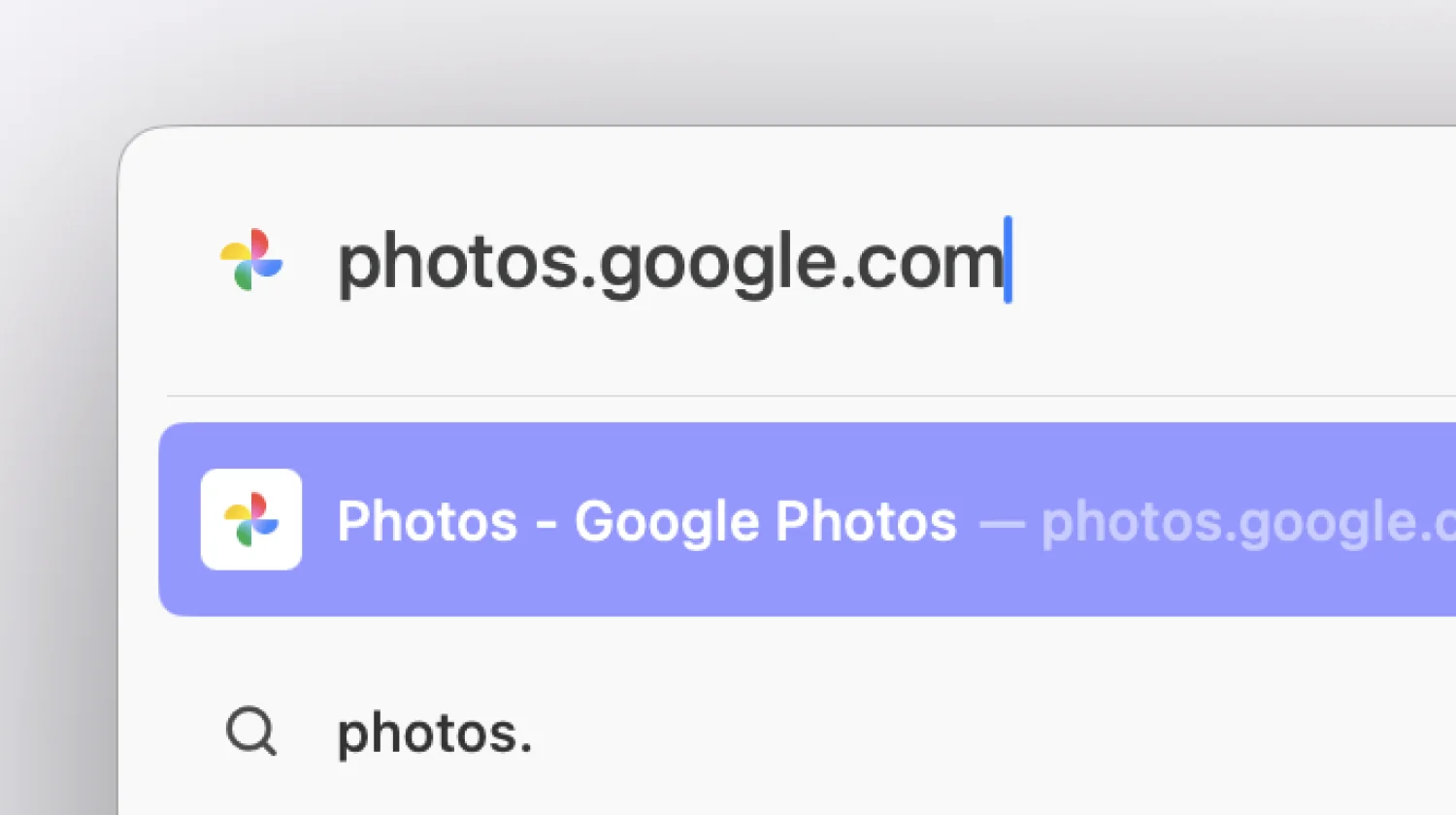
Go to photos.google.com
Open up Google Photos in your browser.
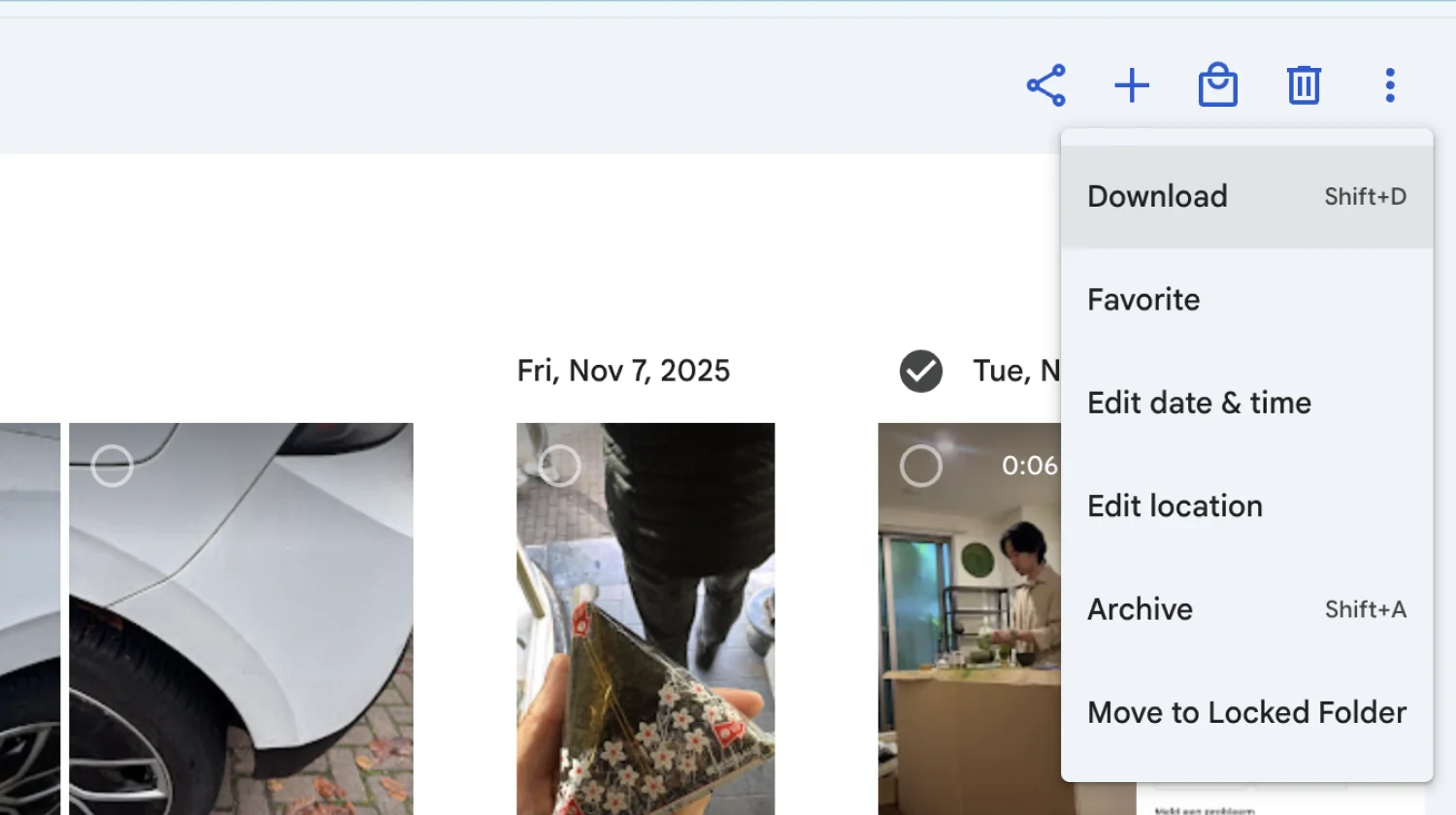
Select your pictures and download the originals
Select the photos you want, click the three-dot menu, and hit Download. Your photos will start downloading as a .zip file. This can take a while, so grab a drink.
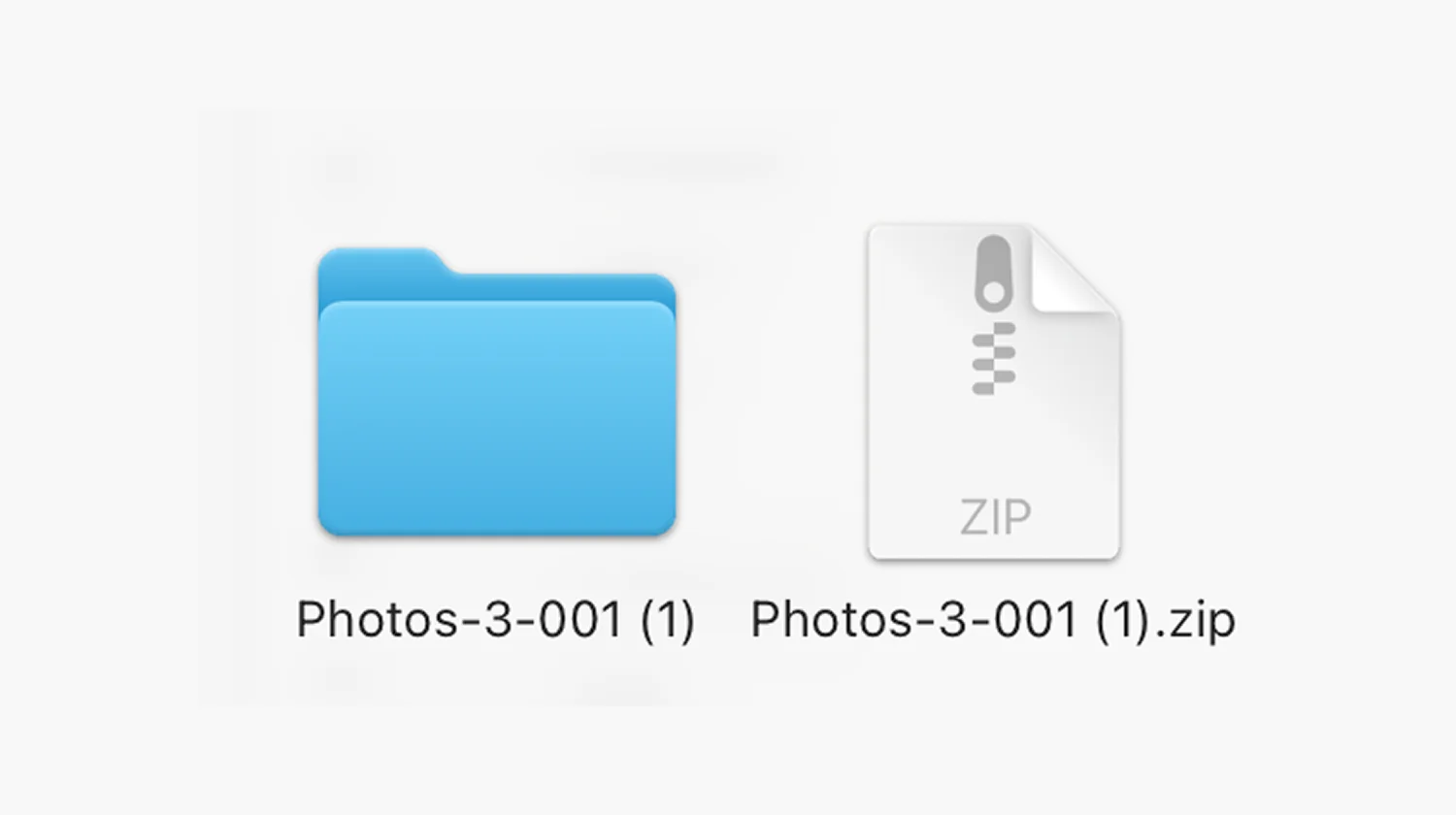
Open the .zip file to get your folder
Click the .zip file to open it. A folder will appear with all your pictures inside.
You're all set
Now all you need to do is create your book and drag the folder in.
Rather keep your library off the cloud entirely? Host your photos yourself with Immich.